



Laptop Screen Replacement Cost Explained 2026
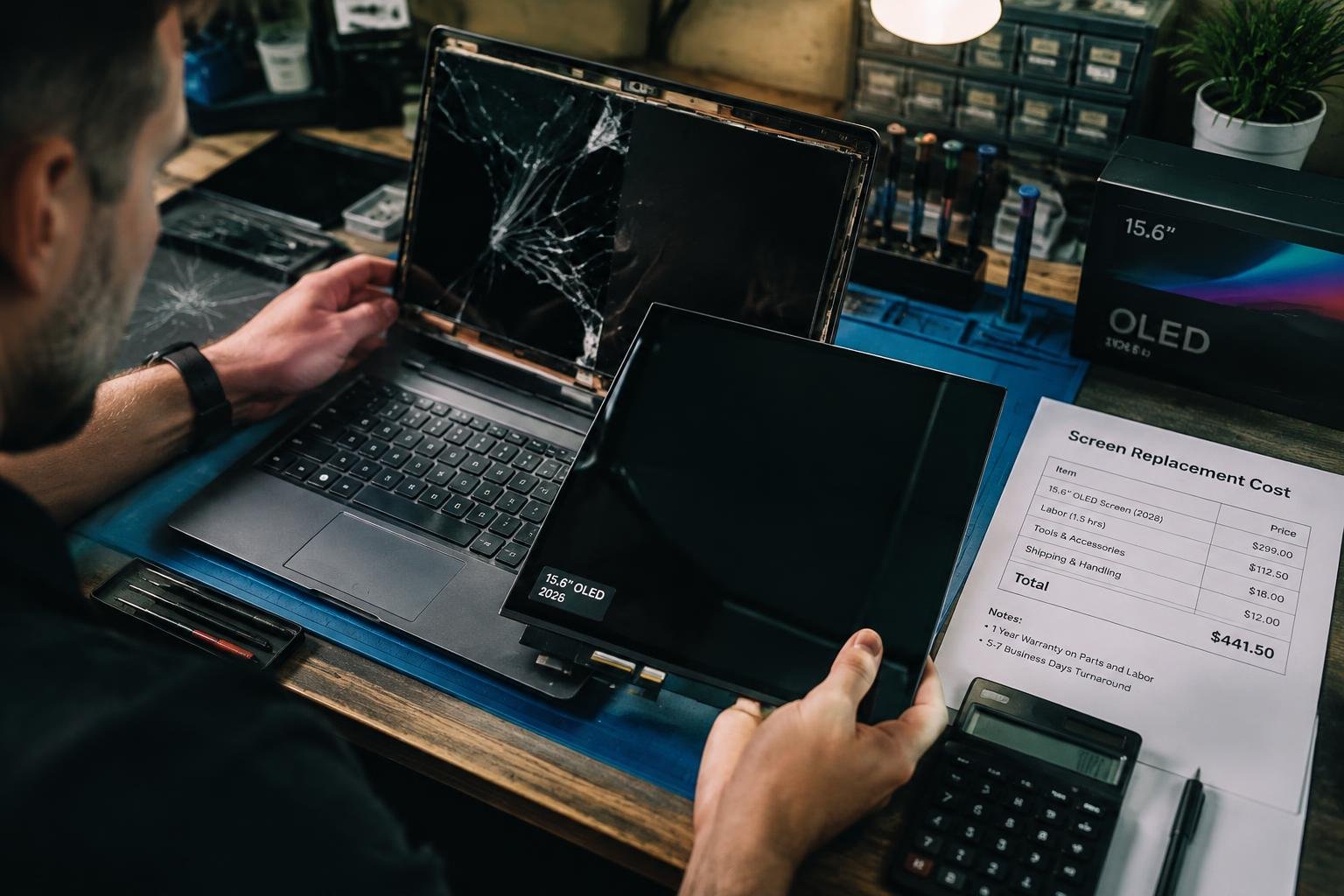
You’re facing a cracked or flickering laptop screen and need clarity on what repair will cost in 2026. Prices vary widely based on model, labor rates, and whether you choose OEM or aftermarket parts. This guide breaks down exactly what you’ll pay, why costs differ, and how your choices impact the final bill-no guesswork, just clear, actionable details tailored to today’s market.
Display pricing in 2026 reflects shifts in global supply chains and material availability. You’re paying not just for the panel but for stabilized production amid tighter environmental regulations and semiconductor allocation changes. Manufacturers now prioritize energy-efficient OLED and mini-LED integration, influencing base costs across both consumer and enterprise laptops. Modular designs have reduced some expenses, yet proprietary screen assemblies from major brands keep repair margins high. Your out-of-warranty replacement sits at the intersection of these industrial decisions, where a single damaged pixel can trigger full-unit swaps due to sealed architectures. Skilled technicians spend anywhere from 45 minutes to over two hours replacing a laptop screen, depending on the model and internal complexity. You’re paying not just for time, but for the precision required to disconnect fragile display cables, remove adhesive-sealed panels, and avoid damaging internal components. A single misstep can compromise the entire device. This hands-on expertise ensures your laptop functions exactly as it did before-no gaps, no flickering, no touch sensitivity issues. Even with identical parts, the quality of repair hinges on the technician’s experience. Your laptop’s display isn’t just glass and plastic-it includes the digitizer, backlight assembly, and control board, each affecting replacement cost. Premium models use proprietary screens with calibration requirements, increasing part prices. Some repair shops quote low rates but omit fees for disposal, diagnostics, or software recalibration. You might also face charges for adhesive strips or protective films replaced during service. Always request a full breakdown to avoid surprise charges on the final bill. You can reduce long-term repair costs by adopting simple screen protection habits now. A matte screen protector guards against scratches and reduces glare without affecting visibility. Investing in a padded laptop sleeve or case adds a layer of defense during transport, especially in crowded spaces or while commuting. Avoid placing heavy objects on your closed laptop-this prevents pressure damage to the display hinges and panel. Over time, keeping your laptop away from direct sunlight and extreme temperatures helps maintain screen integrity and backlight performance. These small steps collectively extend your display’s lifespan and delay the need for costly replacements. You’re paying for skill when a technician removes your laptop’s bezel with calibrated tools, not guesswork. Each minute spent separating glued glass from a fragile frame increases labor costs, especially on ultrabooks where disassembly requires proprietary methods. Your model determines whether the repair takes one hour or three, directly impacting the final invoice. A misstep risks damaging antennas or webcams, adding unplanned charges. Manufacturers like Apple and Dell use unique screws and adhesives, forcing specialists to adapt-time that translates into dollars on your bill. You now understand the full scope of laptop screen replacement costs in 2026, from labor rates to component quality and service model differences. Your choice between DIY, third-party repair, or manufacturer service directly impacts both price and long-term reliability. With displays becoming more advanced and less standardized, your awareness of hidden fees and warranty terms gives you a clear advantage. You’re better equipped to make informed decisions that align with your budget and technical needs, ensuring your investment is protected without overpaying for unnecessary services. Laptop screen replacement in 2026 typically costs between $150 and $400, depending on the model and brand. Higher-end laptops with OLED or high-refresh-rate displays can exceed $500, while older or standard LCD models tend to be at the lower end of the range. Replacing a laptop screen usually takes 1 to 2 hours, including diagnostic and testing steps. The time may extend if the model has a complex design or if replacement parts are not immediately available. Yes, it is often worth fixing a cracked laptop screen if the repair cost is less than half the value of the device. However, for older laptops or those with extensive damage, buying a new device may be more economical. DIY laptop screen replacement risks damaging the display connector, internal cables, or chassis due to tight tolerances and fragile components. Without proper tools and experience, the repair could lead to further costly issues. Yes, using an external monitor is a reliable alternative to replacing a damaged laptop screen. This works well if the internal hardware is functional and the laptop can support external display output.The Logic of 2026 Display Economics
Human Labor and Technical Precision
Hardware Components and Hidden Fees
Protection Protocols and Future Safeguards
The Manual Intervention Variable
To wrap up
FAQ
How much does laptop screen replacement cost in 2026?
How long does it take to replace a laptop screen?
Is it worth fixing a cracked laptop screen?
What are the risks of DIY laptop screen replacement?
Are there alternatives to replacing a laptop screen?
 Previous Post